Guide · Household items and appliances ·
How to Clean a Remote Control
Hand marks and grease build up on the buttons of a remote control, and dust and crumbs collect between the buttons; spilled drinks can make the buttons sticky. In the battery compartment, leakage from old batteries can damage the contacts. Because a remote control is an electronic device, it is never put in water and no cleaning product is sprayed onto it; it is cleaned with a well-wrung cloth and a dry brush. This guide explains how to clean TV, air-conditioner and other remote controls.
Before you start
- Remove the batteries: open the battery cover of the remote and take out the batteries.
- Shake it out: turn the remote upside down and tap it gently against your palm so crumbs fall out from between the buttons.
- Apply products to the cloth: do not spray cleaning products directly onto the remote.
- Do not open it: do not take the remote's casing apart.
How to clean a remote control: step by step
- Remove dust and crumbs between the buttons with a dry, soft brush.
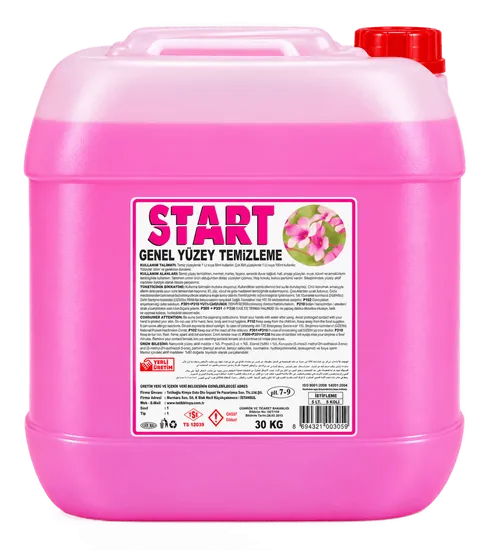
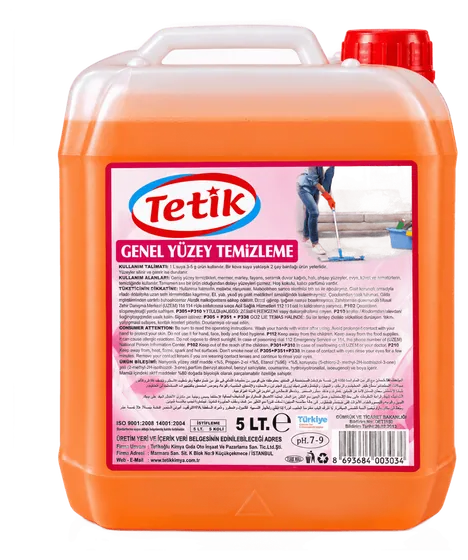
- Wipe the casing and buttons of the remote with a well-wrung cloth dampened in lukewarm water with START all-purpose surface cleaner added at the dose on the label. According to its safety data sheet, START Genel Yüzey Temizleyici has a pH of 7–8.
- The cloth should be dry enough not to drip; do not let liquid get between the buttons.
- Dry the remote with a dry cloth and put the batteries back only once it is completely dry.
- Use a dry microfibre cloth for the infrared window (the clear part at the front end).
How to clean remote control buttons
Remove dirt between the buttons with a dry, soft brush or a dry cotton bud; if you dampen the bud, make sure it is only very slightly damp and do not let liquid get under the buttons. Sticky, hard-to-press buttons are usually caused by drink that has seeped under them; wiping from outside does not always fix this. Do not open the remote; for sticky or non-working buttons, replace the remote with the manufacturer's spare or contact service. For keyboards, see the guide how to clean a keyboard.
Remotes with leaked batteries and corrosion
- Remove leaked batteries while wearing gloves; do not touch the leakage with bare hands and keep it away from your eyes.
- Remove dry residue from the battery compartment with a dry cloth or a dry cotton bud.
- We do not recommend a product for oxide and rust on the contacts; do not use home mixtures such as vinegar or sharp metal tools.
- If the remote still does not work after the contacts have been cleaned, replace it or contact service.
- Do not throw old and leaked batteries in household waste; take them to a battery collection box.
Yellowed remotes
Yellowing of white and light-coloured plastic remotes is caused by sunlight and the ageing of the plastic over time, and does not go away with cleaning. Do not use bleach, abrasives or solvents on yellowed plastic; these products can damage the plastic and the printing. Keeping the remote out of direct sunlight slows yellowing. Wiping the casing and buttons regularly with a cloth dampened with diluted surface cleaner prevents dirt from building up. For TV screens, see the guide how to clean a TV screen.
What not to do
- Putting the remote in water or spraying product onto it.
- Cleaning without removing the batteries.
- Opening the remote's casing.
- Touching a leaked battery with bare hands.
- Scraping the contacts with a sharp metal tool.
For hotels, offices and meeting rooms
In hotel rooms, offices and meeting rooms, remotes are used by different people throughout the day; wiping them during room and meeting-room cleaning with a well-wrung cloth dampened with diluted surface cleaner keeps them looking tidy. Where hygiene and disinfection are required, follow your business's procedure. Check the remotes' batteries regularly and replace leaked batteries straight away. For hotel room cleaning, see the guide how to clean a hotel room. START Genel Yüzey Temizleyici is produced in 5 L packs; for bulk purchases you can request a quote.